
What are you insuring?
Agency
Clients
What are you insuring?
Agency
Clients
Payments
Pay a Tree Insurance Agency invoice online with PayPal or ePay. If your policy is billed by the insurance company instead, this page shows you how to tell and where to pay.

Enter the amount and your policy, quote or invoice number, then pay in the PayPal window with your PayPal balance, a linked bank account or a card. You don’t need a PayPal account to pay by card.
Check the amount, then choose how to pay. PayPal opens in a secure window.
Pay by debit or credit card, or by bank draft straight from your checking account. Have your invoice number and the amount due from your Tree Insurance Agency bill ready before you start.
The short answer
Choose PayPal or ePay below and enter the amount and invoice or policy number from your bill. ePay accepts a debit or credit card or a bank draft from your checking account. If your bill came from the insurance company rather than Tree Insurance Agency, pay the carrier directly using the instructions on that bill.
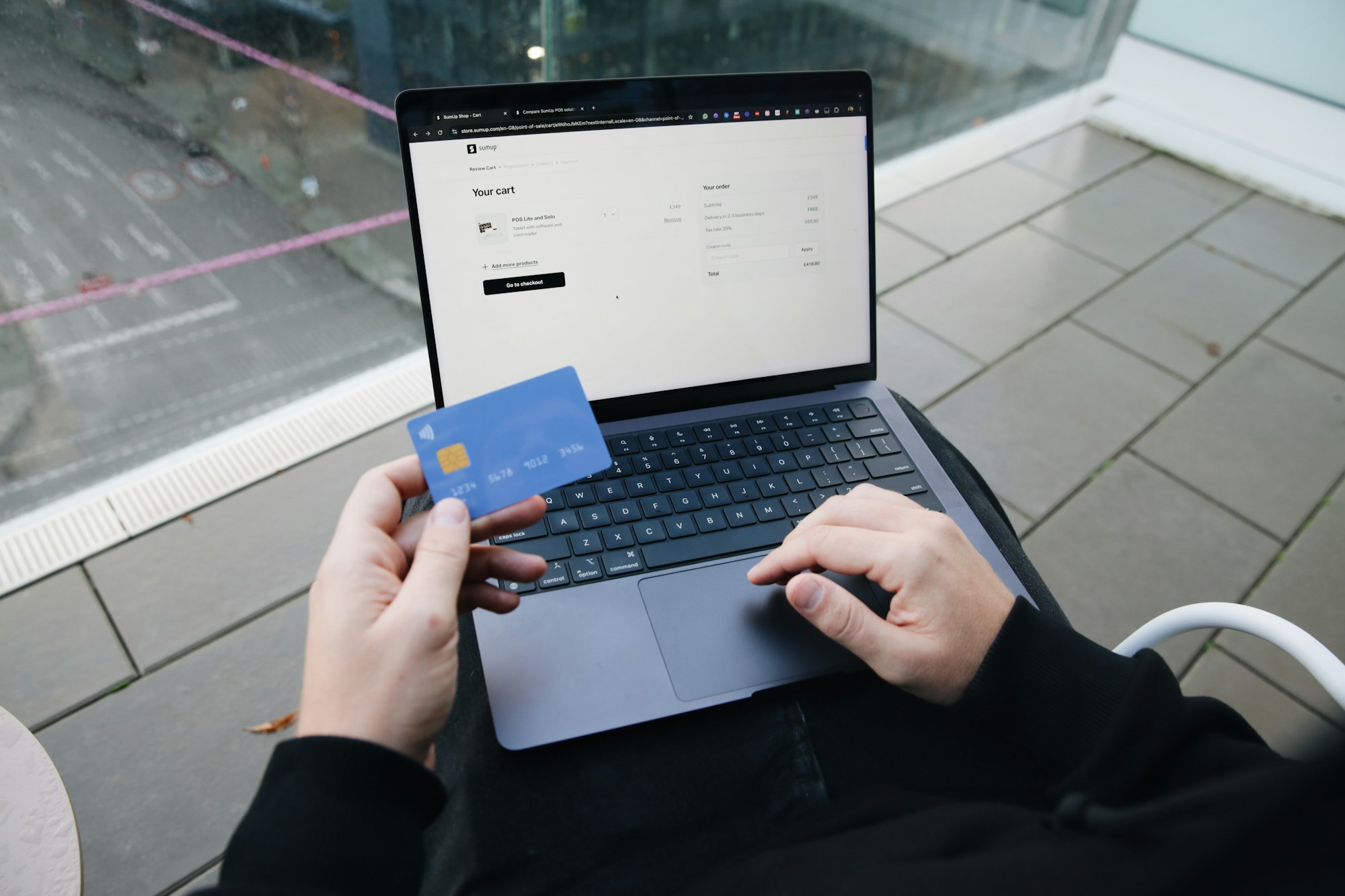
Some policies are billed by Tree Insurance Agency, and some are billed directly by the insurance company. The second kind is called direct bill, and it’s common on personal auto, homeowners and many commercial policies. Payments for a direct-bill policy go to the carrier, not through this page.
The quickest way to tell is to look at the top of your bill. If it shows the insurance company’s name and logo, with its own payment address, phone number or website, the carrier bills you directly. Pay using the method printed on that bill or on the carrier’s website. If the bill shows Tree Insurance Agency at the top, pay it here.
Your declarations page also lists the carrier’s name and your policy number, which you’ll need for a carrier payment. Can’t find either one? Call or text us and we’ll tell you who bills the policy and how much is due.
Checklist
Payments made after a cancellation date may not reinstate coverage on their own. If you’ve received a notice of cancellation, call us before you pay so we can confirm with the carrier.
1
The invoice number or policy number from your bill
2
The exact amount due and the due date
3
The name on the policy, or the business name for commercial accounts
4
Your card, or your checking account and routing number for a bank draft
Yes. Both PayPal and ePay accept debit and credit cards for Tree Insurance Agency invoices. ePay also takes a bank draft from your checking account. For direct-bill policies, each insurance company sets its own payment options, which are printed on its bill and listed on its website.
PayPal and ePay each send a confirmation email when the payment is complete. Keep it until the payment shows on your next statement. If you don’t receive a confirmation within an hour, or you think you paid twice, call us with the date and amount and we’ll look it up.
The carrier usually sends a notice of cancellation with a final date to pay before coverage ends. Pay before that date and the policy normally stays in force. If the date has passed, call us right away. Some carriers will reinstate a policy after late payment, and some require a new application.
Most carriers offer automatic monthly drafts on direct-bill policies, and you set those up with the carrier. For a policy we bill, ask us about a payment plan when you renew. Carriers set the installment options, so they vary from one policy to the next.
Call our toll-free line at (888) 994-7692 or email info@treeinsuranceagency.com, Monday to Friday, 9 a.m. to 5 p.m. local time. We can check balances, due dates and who bills the policy, even when the carrier handles the billing.
Client Center
Fill out the service form on this page, choose Certificate of insurance, and enter the certificate holder's legal name, mailing address and any…
Contact Us
Call toll-free at (888) 994-7692, text 281-994-4215 (Texas) or 470-357-6184 (Georgia), or email info@treeinsuranceagency.com.
Auto Insurance
You give one agent your drivers, vehicles and driving history, and the agent quotes that same information with several carriers at once.